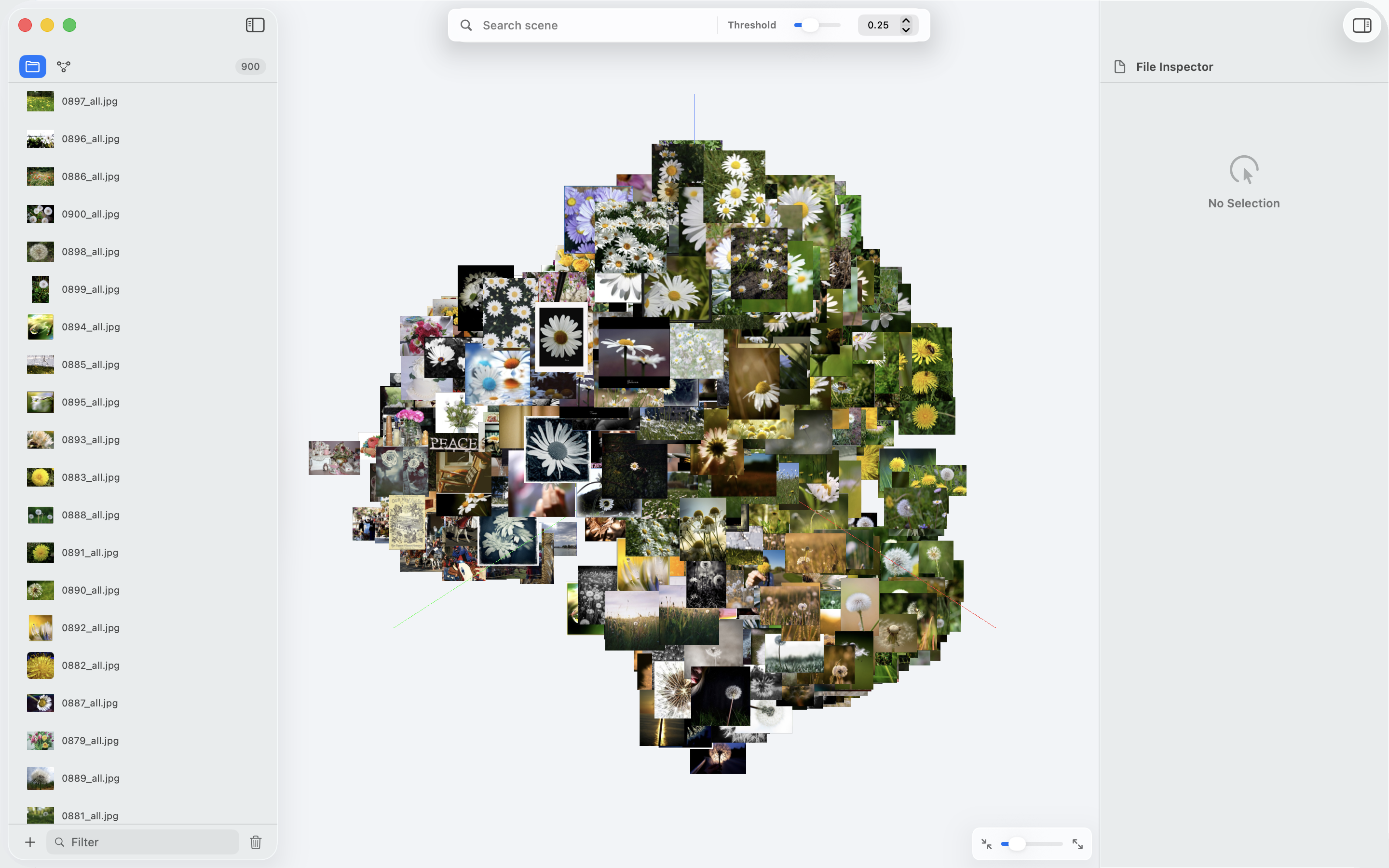
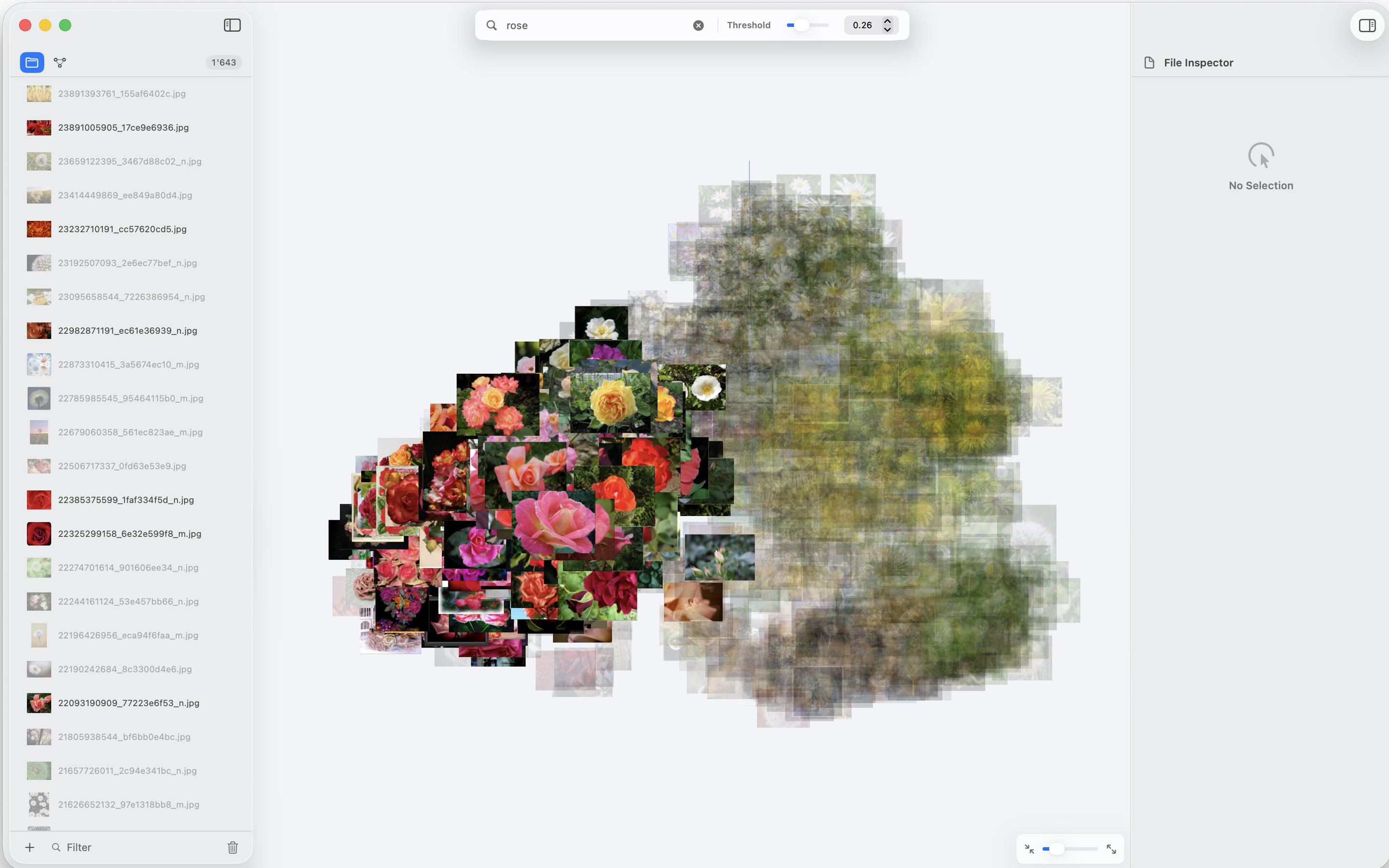
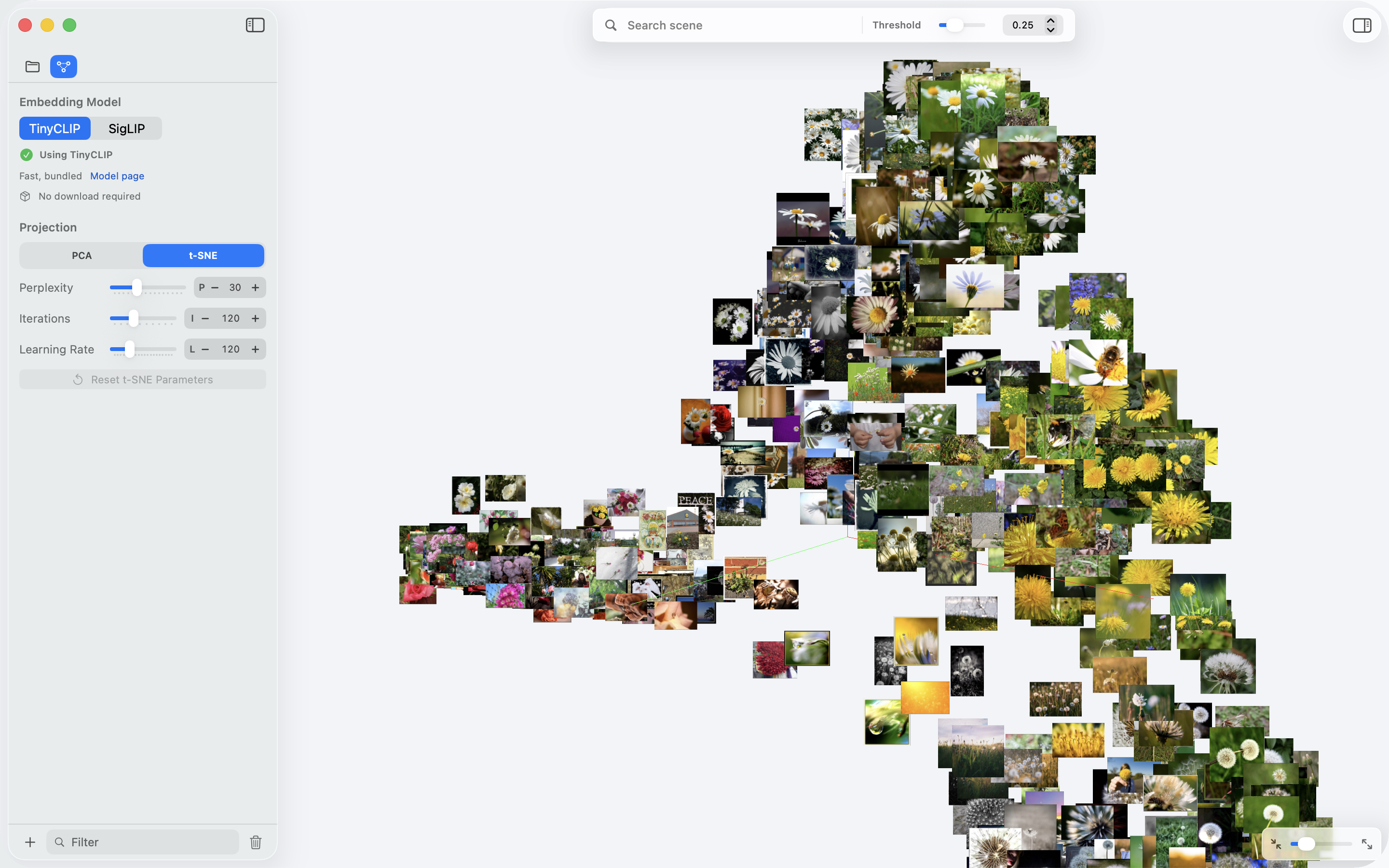
latent arranges your images, text, code, and PDFs in 3D based on their content. Similar things end up near each other. All processing happens on your Mac — nothing leaves your device.
macOS 15+ · Apple Silicon · Free tier available
You give it files. It runs a model on each one, then places them in a 3D space where similar things end up near each other.
MobileCLIP runs locally on your Mac's neural engine. Your files never touch a server. Works offline, no accounts needed.
Drop images, text files, source code, and PDFs into the same space. The model understands all of them and places them relative to each other.
Embeddings are reduced to 3D and rendered with Metal. Rotate, zoom, and pan. It handles hundreds of items smoothly.
Drop files onto the window. They show up in the visualization as embeddings are computed. No import wizard, no project setup.
SwiftUI app. Small download, fast to open, doesn't use much memory. Looks and behaves like the rest of your Mac.
Files with similar content end up near each other. Can be useful for spotting patterns, finding near-duplicates, or just getting an overview of a folder.
Drag anything onto the window — images, text, code, PDFs. Mix types freely.
MobileCLIP processes each file on-device and generates a 512-dimensional vector. This takes a few seconds depending on how many files you add.
Vectors are reduced to 3D and rendered in real time. Orbit around, zoom in on clusters, click items to inspect them.
Free tier has no time limit. Pro is a one-time purchase — no subscription because there's no server cost.
An embedding is a list of numbers that represents what a file "means." A photo of a dog and the text "golden retriever" would have similar numbers, so they'd appear near each other in the visualization. The model we use (MobileCLIP) understands both images and text.
Yes. The ML model runs on your Mac. No data is sent anywhere. No analytics, no telemetry, no server component. Works offline.
The free tier supports 300 items. Pro is unlimited, though performance depends on your hardware. We've tested with 1,500+ items without issues.
Images (JPEG, PNG, WebP), plain text, source code files, and PDFs. All types can be mixed in the same workspace. We use MobileCLIP which understands both visual and text content.
There are no servers to run, so there's no ongoing cost to pass on. If cloud features come later, those would be a separate subscription.
macOS 15 (Sequoia) or later, on Apple Silicon. Intel Macs are not currently supported — the neural engine on Apple Silicon is what makes on-device processing fast enough to be practical.
Leave your email. We'll send one message when it's available.